
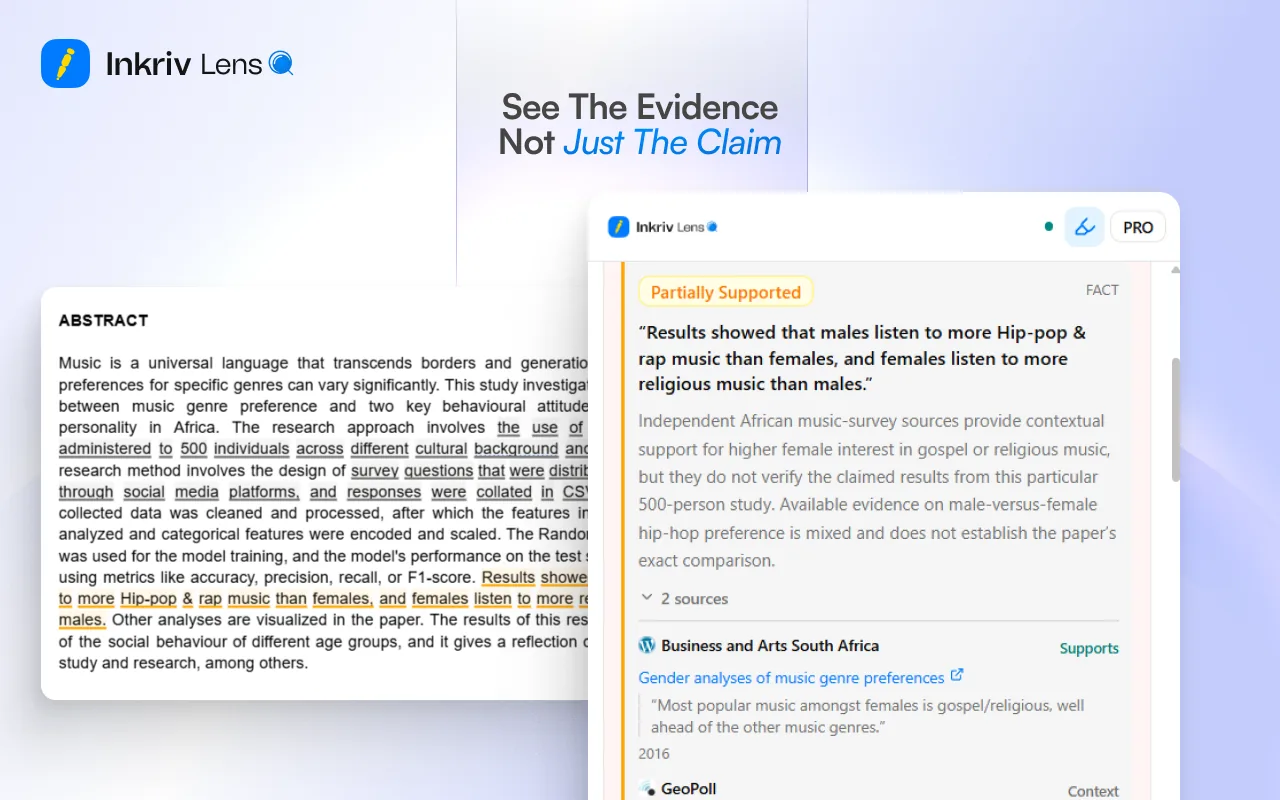
A clear verdict for every claim
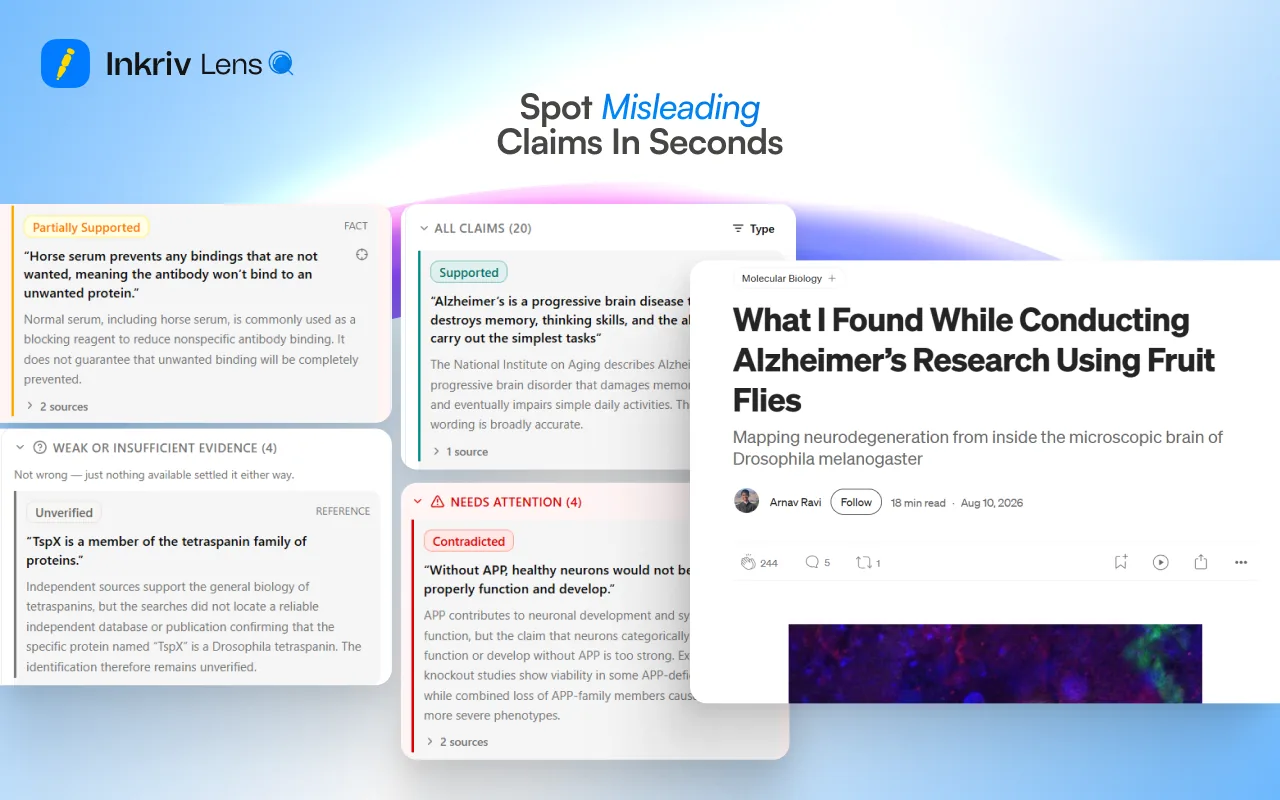
Supported, Partially supported, Contradicted, or Unverified, each with the evidence behind it.
 for Chrome
Lens checks the claims on the page you're reading, unpacks the arguments, and shows the sources. Free to install, 10 checks a month on the free plan.
Three steps from reading to knowing what holds up.
Click the Lens icon or right click a selection.
It pulls out the statements that can be checked.
Each claim gets a verdict with sources, highlighted right on the page.
Free · Chrome and other Chromium browsers
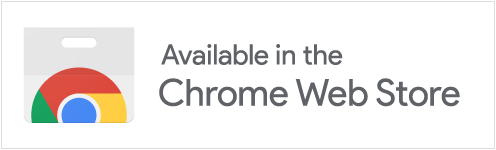
Lens works inside the page, so checking a claim never means leaving the article.
Supported, Partially supported, Contradicted, or Unverified, each with the evidence behind it.
Claims are marked inline; hover one to see its verdict without leaving the article.
Honey sealed in a jar can keep for decades. (Supported) Coffee leaves you dehydrated. (Partially supported) And of course, the Great Wall of China is visible from the Moon. (Contradicted)
Analyze the whole article, or right click just the part you care about.
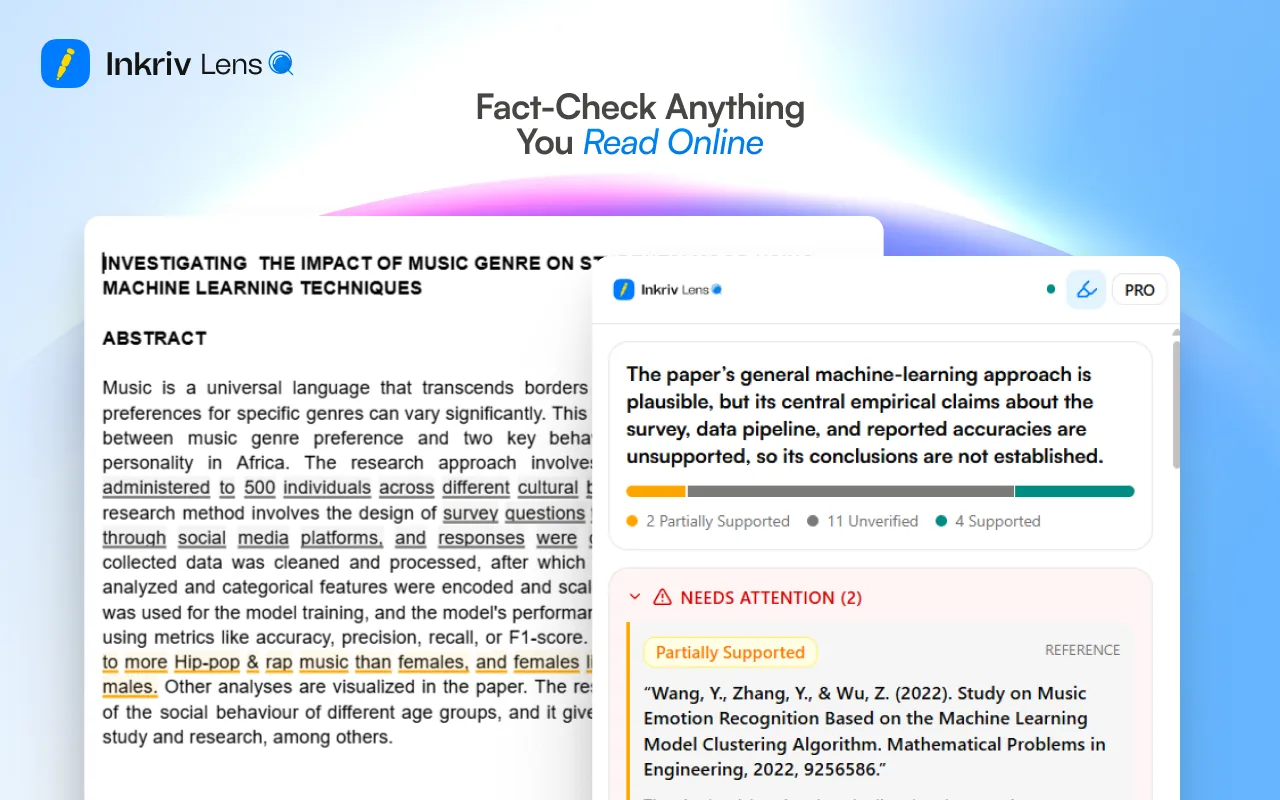
Key points, claims that need attention, and where the evidence is weak.
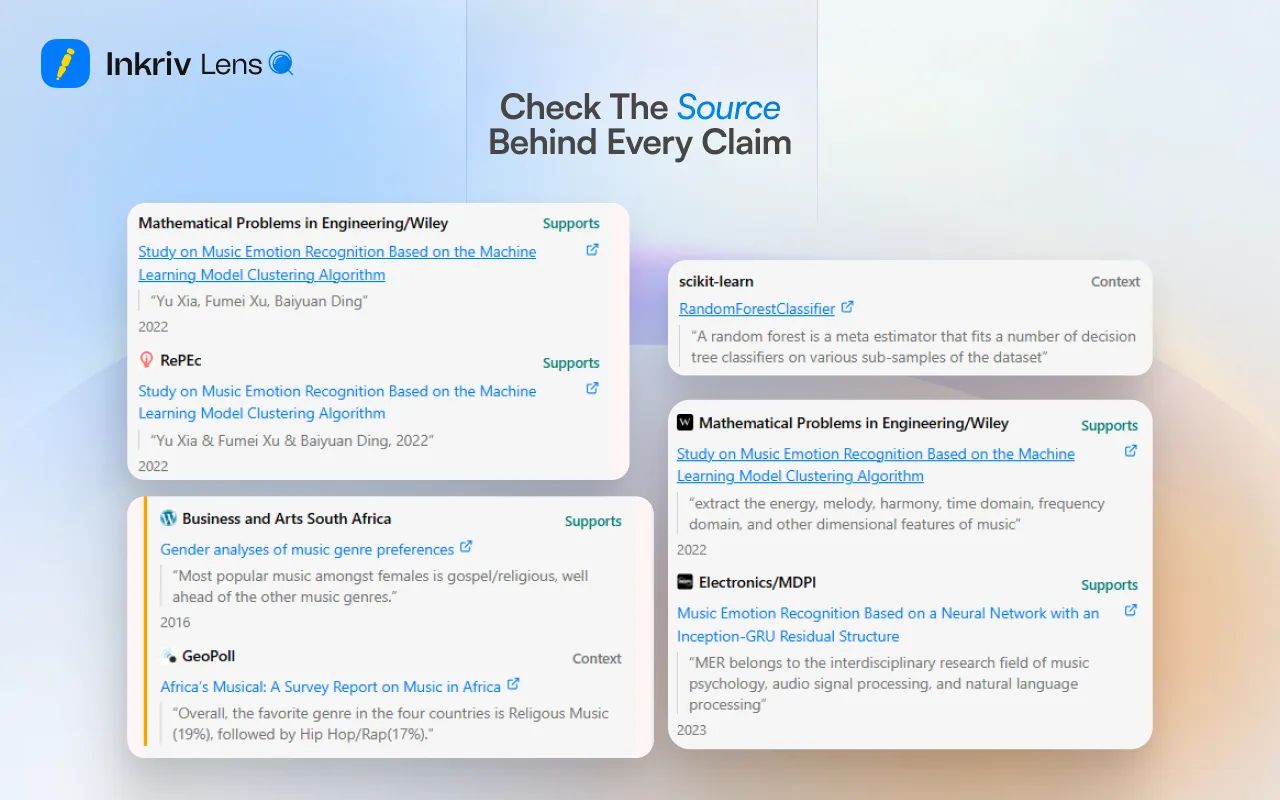
Every verdict links to the sources it's based on, so you can explore further.
Export the cleaned page to ChatGPT, Claude, Gemini, or Grok in one click.
Lens is free to install. Every plan includes fact checks each month.
Checking a page or investigating a claim uses one check. Reopening a page you already checked is free. Checks reset on the 1st of each month.
Lens only looks at a page when you ask it to.
Lens reads only the text visible on the page, and only when you ask it to check.
That text is sent to Inkriv's servers for analysis.
Lens never bypasses paywalls or reads hidden content.
Results stay in your browser and your Inkriv account.
Tell us what you're trying to do with Lens and we'll get back to you.
Contact usAdd Lens to your browser and check the next article you open.
Add to Chrome, it's free